

Add a frequency
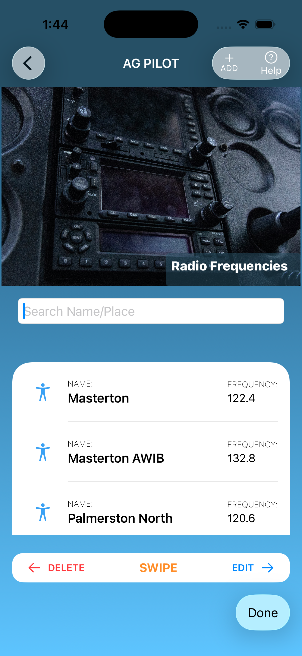
- Open Radio Frequencies and choose Add.
- Enter the frequency and the details that will help you identify it.
- Save the entry so it is available in your frequency list.
Keep the list up to date
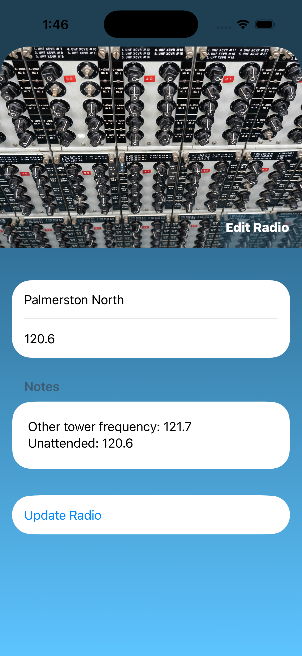
Open a saved entry when you need its details. Swipe an entry to reveal the available edit or delete actions, then choose the action you need.
Saved frequencies sync through your private iCloud storage so the list can be available across your devices.
A LITTLE MORE HELP
Something still unclear?
Send a question, report an issue or suggest an improvement to AgPilot 2.
Contact app support ↗