
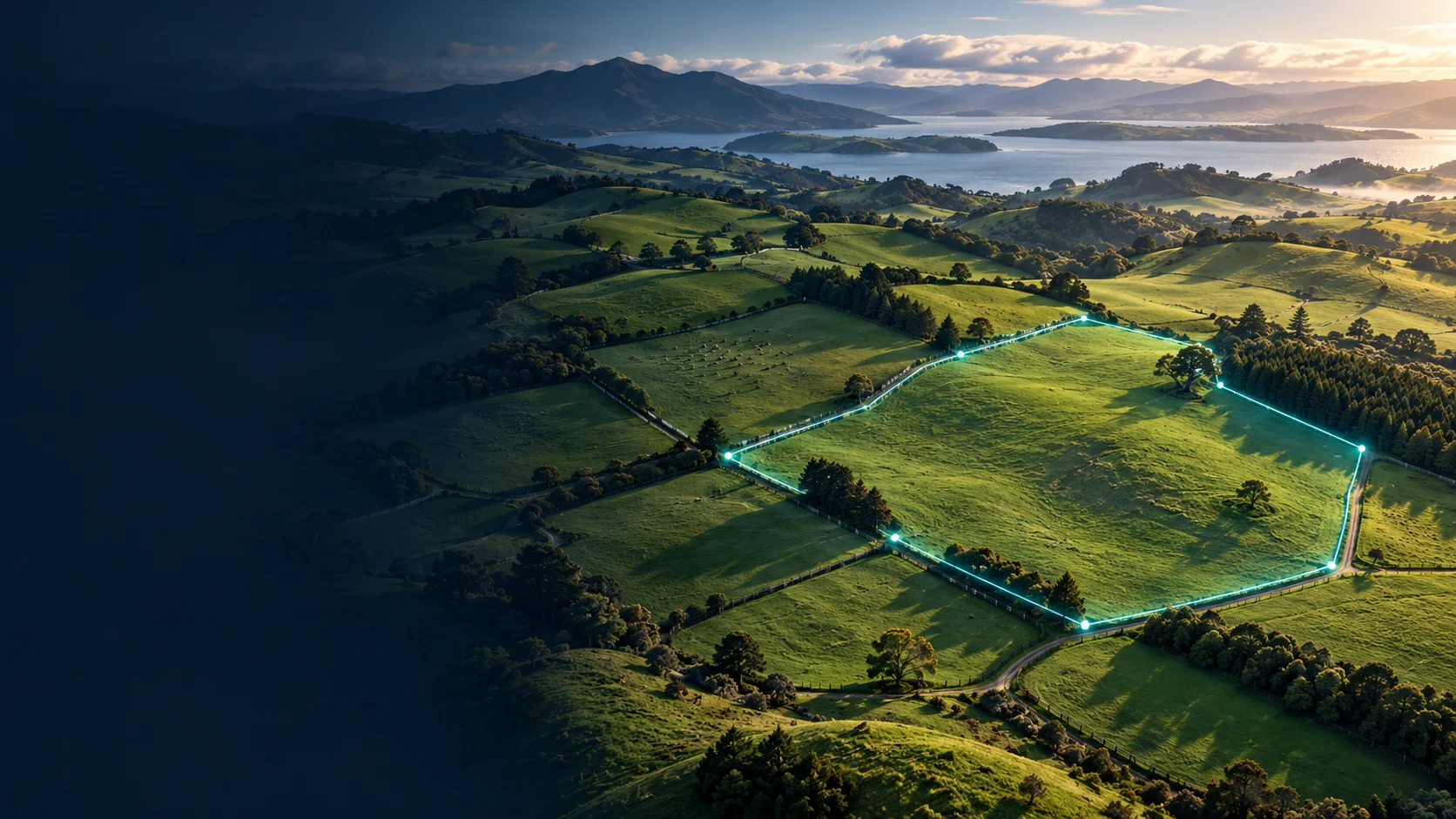
Find the area on the map
Open the area calculator. Move around the map and zoom in until the field boundaries are easy to see. The map uses Apple Maps; you can change its style in Settings.

Trace the field boundary
- Tap around the outside of the field to place boundary pins.
- Follow the perimeter with enough points to describe the shape.
- Review the calculated area. Separate fields can be saved in different colours to help you tell them apart.

Calculate an amount or rate
Use Calculate for the mapped area. Choose the calculation you need: work out the amount required from an application rate, or work out the application rate from an amount. Check the units shown before entering your values.


Manage saved fields
Keep separate fields clearly identified so you can return to them later. To remove a saved field, swipe its row to reveal Delete.
A LITTLE MORE HELP
Something still unclear?
Send a question, report an issue or suggest an improvement to AgPilot 2.
Contact app support ↗